
Royal Library of Belgium reads title pages with AI
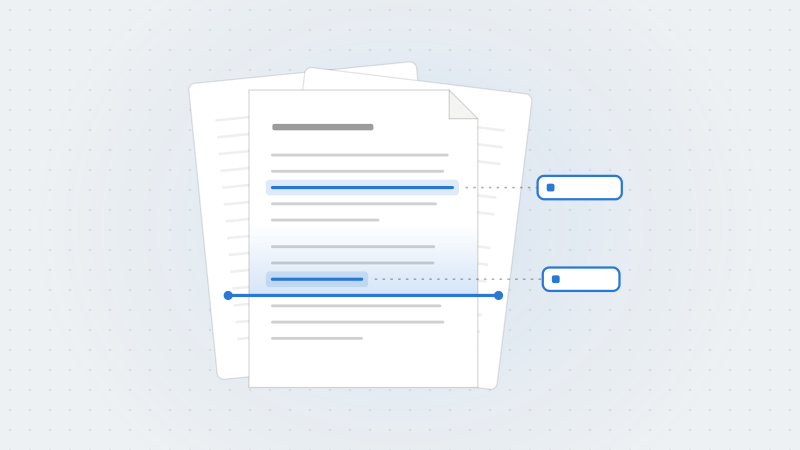
The Royal Library of Belgium (KBR) and Inetum built a Power App whose AI model reads photos of book title pages and fills in catalog fields, to speed up the description of the library's collections.
KBRBelgiumNational governmentIn production
- Scenario
- Library catalog record creation from title pages
- Business function
- Knowledge management
- Kind of solution
- Document extraction
- Who built it
- Built by a partner (Inetum and Microsoft)
- Human oversight
- People approve each output
- Organization
- Public sector
- AI types
- Document AI
tl;drKBR's AI app reads book title pages and fills in title and author for staff to validate.See the results
The Royal Library of Belgium (KBR) uses a Power App with an AI model that reads photos of book title pages and fills in the catalog fields1. Staff then validate the data that the model generates1.
Inetum Belgium built the app for KBR’s Bibliographic Information Agency, which wanted to speed up the description of the works that enter the library1. Inetum published the account of the deployment in March 20261.
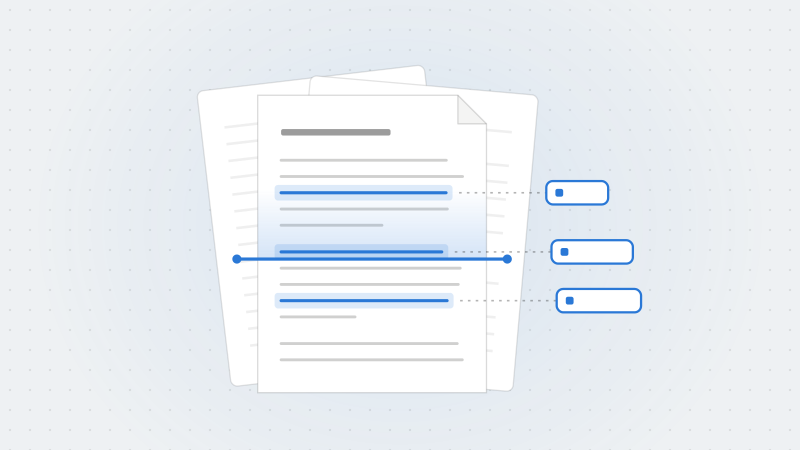
The app reads each title page and places data such as the title and the author in the right input fields1. Inetum built it in 10 days, and the validation that follows can now be done from home1.
Before the deployment
KBR collects all Belgian publications and preserves more than eight million documents of cultural and historical heritage1. Its Bibliographic Information Agency creates a description of each work that enters the library through different sources1.
- The goal: The agency wanted to describe and digitize the heritage faster by completing the online catalog, so that it holds more descriptions1.
- The request: It looked for a user-friendly application that would largely automate and speed up this large-scale task1.
- The constraint: KBR had switched to Microsoft 365, with Teams, Exchange and SharePoint, and the application had to fit in with that infrastructure1.
What was built
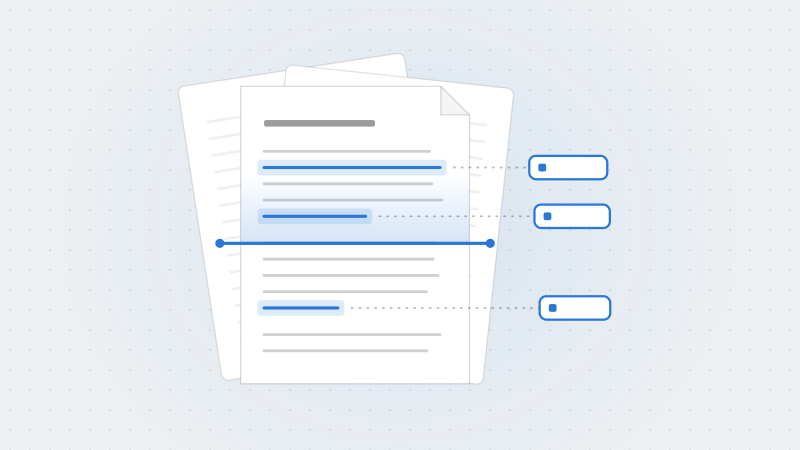
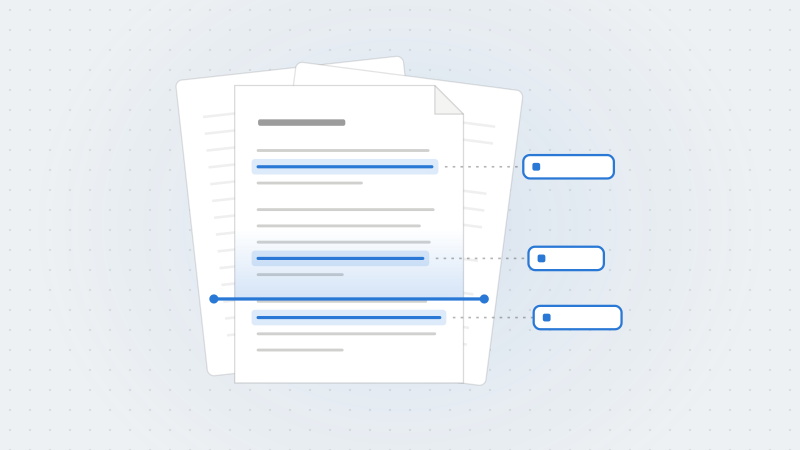
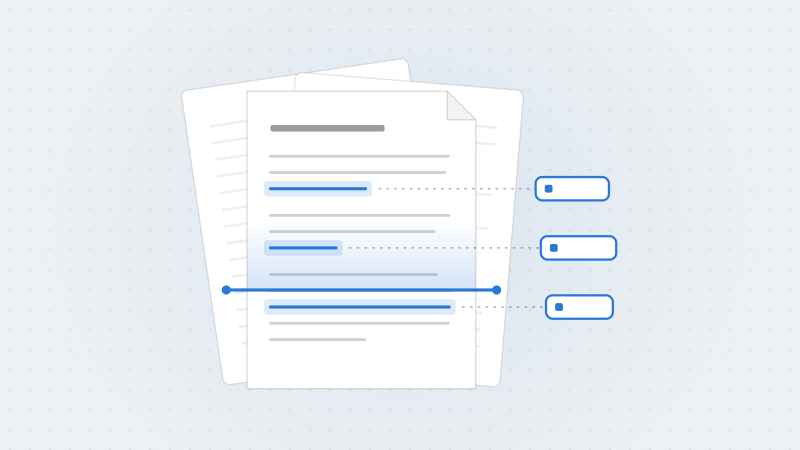
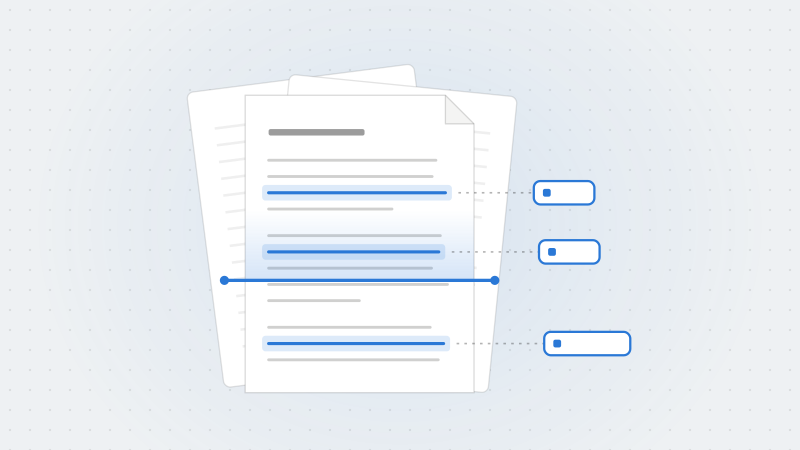
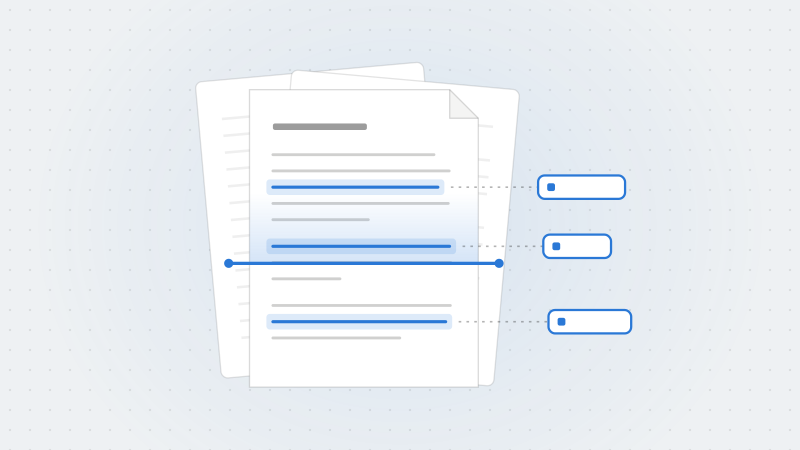
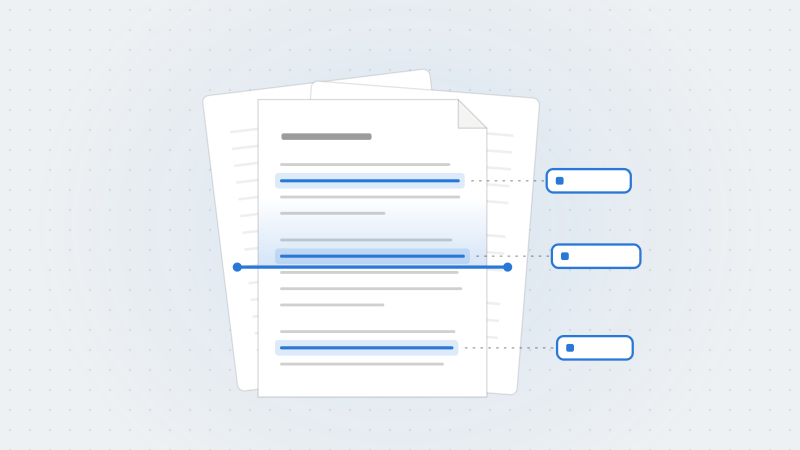
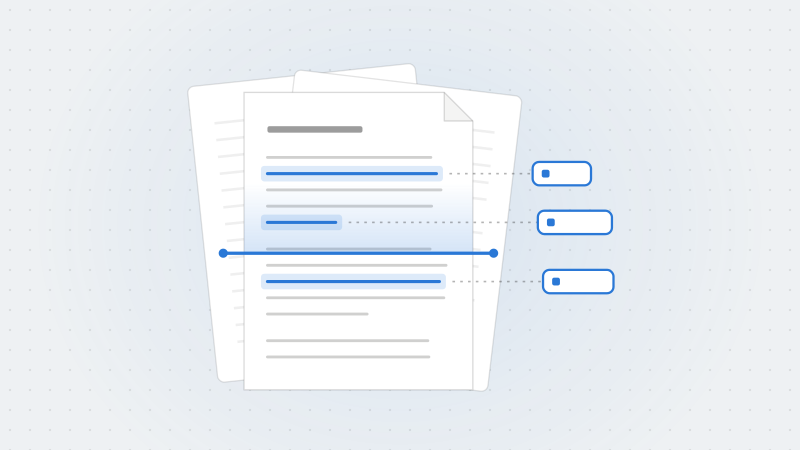
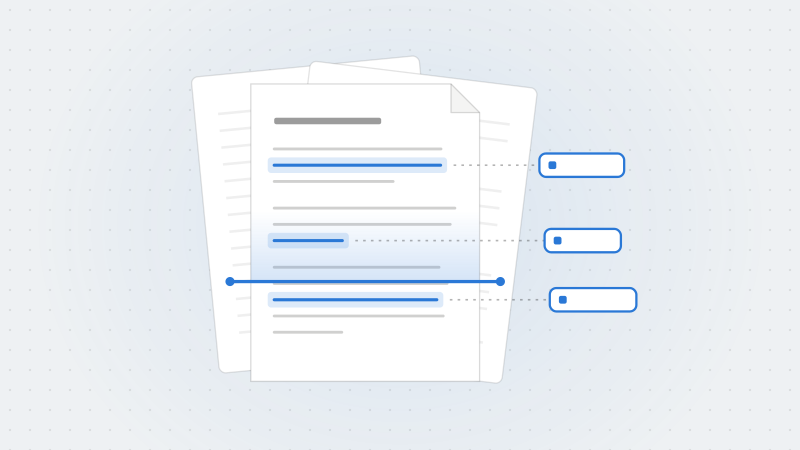
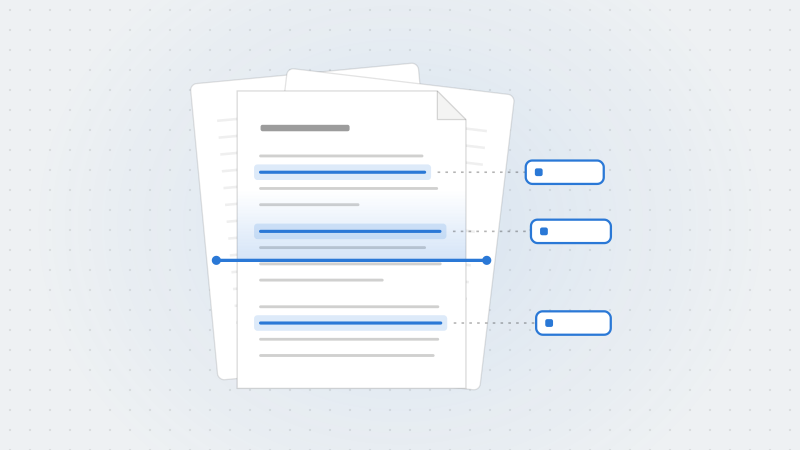
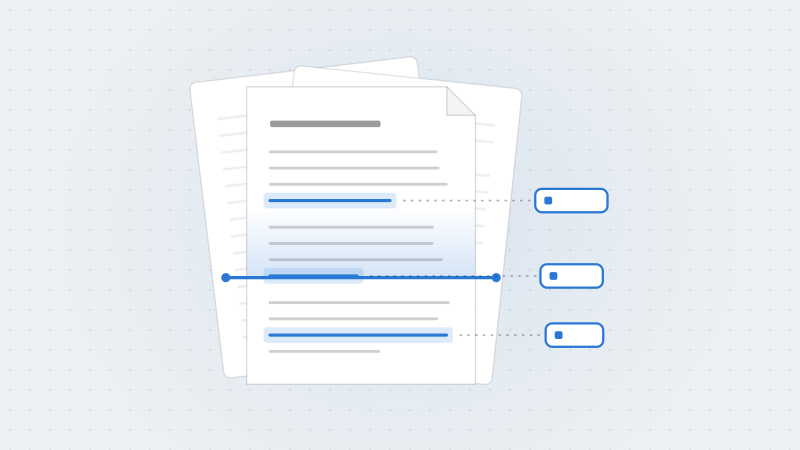
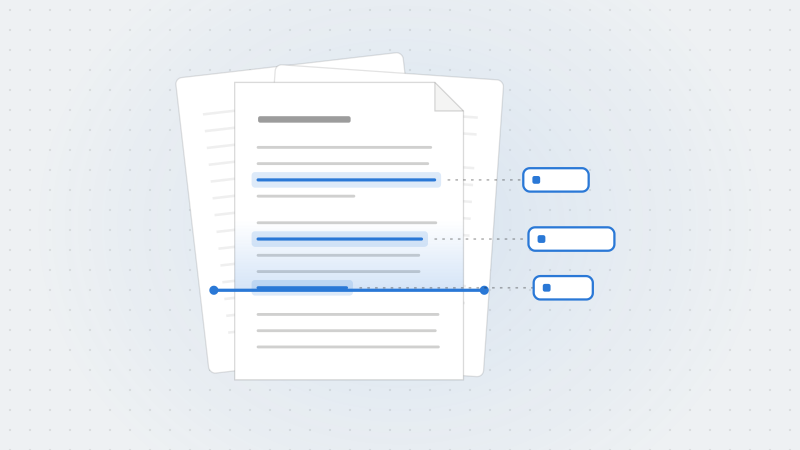
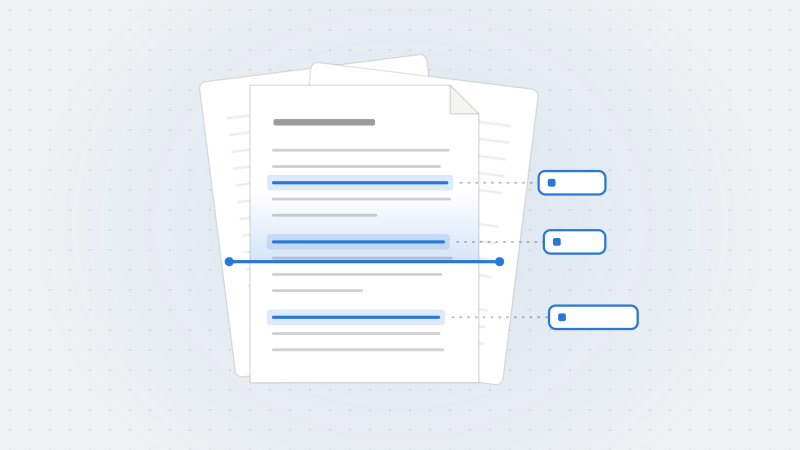
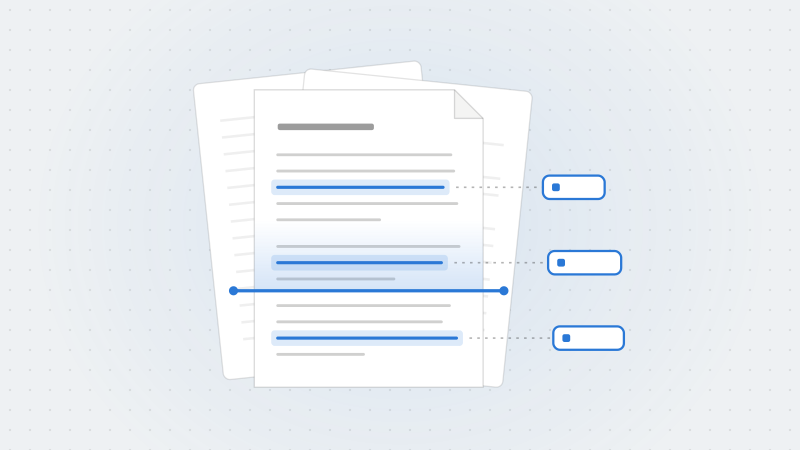
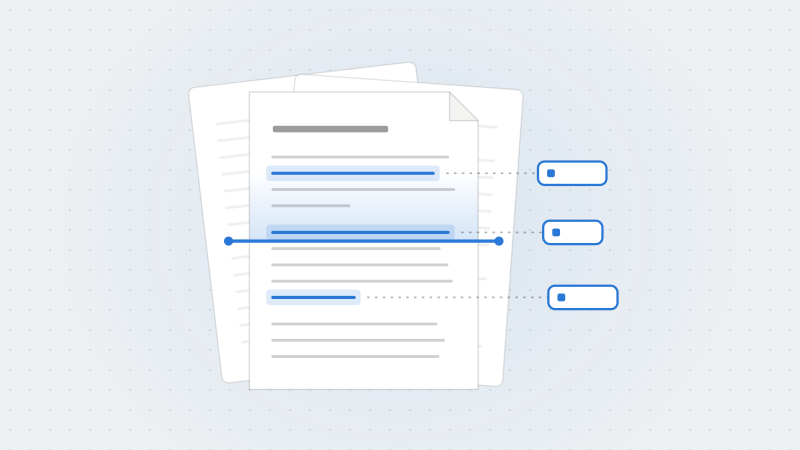
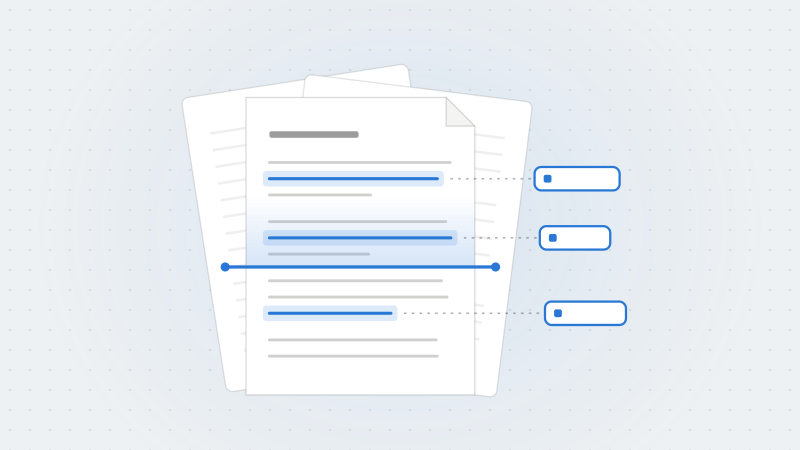
The app turns a photo of a title page into filled-in catalog fields that a member of staff checks1. An AI model, the application and the library’s staff divide the work:
- AI model: Reads the title page and places data such as the title and the author in the correct input fields, with as little effort as possible1.
- Power App: Holds the input fields and runs on Microsoft Power Platform. It can be added in Teams, so employees stay in their familiar working environment1.
- Staff: Validate the automatically generated data to make sure it’s correct1.
“This application taught me that Artificial Intelligence helps to speed up procedures. It’s also not as expensive as you might think, because the application is fully integrated into our existing Microsoft infrastructure.”
The library was in daily contact with Inetum’s developers while they built the app, so that it could have adjustments made quickly1.
Technology and architecture
- AI component
- Data
- Handoff to people
- Inferred, not documented
The Power Platform AI component is the AI functionality that Microsoft Power Platform offers. In this deployment, Inetum trained it on photos of title pages, and expects the model to learn more over time1. The Power App is a low-code application on the same platform, and it holds the fields that the model fills in1.
| Layer | What they used | Role | Source |
|---|---|---|---|
| Document and OCR model | Power Platform AI component | Reads title-page photos and fills in title and author | 1 |
| Workplace application | Power App | Holds the input fields that staff validate | 1 |
Data inputs
- Title-page photos: Each book’s title page is photographed in advance, and the model reads the photo1.
- Training photos: Around 30 photos of title pages trained the AI component at the start1.
The validated descriptions most likely reach the online catalog through the library’s existing cataloging system, which the app’s input fields feed.
Results
By March 2026, the app read book title pages and pre-filled the title and the author for staff to validate1. Staff can do that validation from home, because the title pages are photographed in advance1.
- Build time: Inetum built the app in 10 days, because the Power Platform offers the AI functionality it needed1.
- Planned extension: KBR plans to extend the app to other types of documents, such as maps, prints and scores1.
- Sharing: KBR also wants to show the app to partner organizations1.
Lessons learned
Building on the platform’s own AI made a quick start possible. The AI functionality came with the Power Platform, and the app fits the Microsoft 365 tools that staff already use1.
The AI fills in fields, and people still check every one. Human validation follows after the data is made available, to ensure that the automatically generated data is correct1.
The model reads book title pages and needs more training for anything else. Before the app can handle other documents, the model must be trained further to recognize elements such as the data on death certificates1.
The account of the deployment is Inetum’s customer story, which quotes KBR’s head of the Bibliographic Information Agency1.
Case study scorecard
Sources by publication date
- Vendors and partners 1
Build this solution yourself
Analysis
What you need
- A platform your staff already work in: KBR chose a Power App because the application had to fit its Microsoft 365 environment, and the app can sit in Teams1.
- Photos of a page with a predictable layout: The model learned from around 30 title-page photos at the start1. That probably worked because title pages carry the same few fields in similar places.
- Staff who validate each record: Every automatically generated description at KBR passes a human check, so you need people with cataloging skills to do it1.
Reference architecture
Document extraction
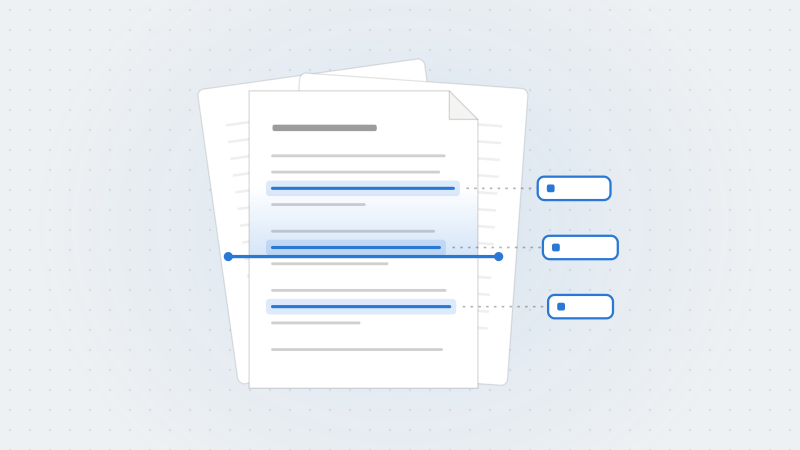
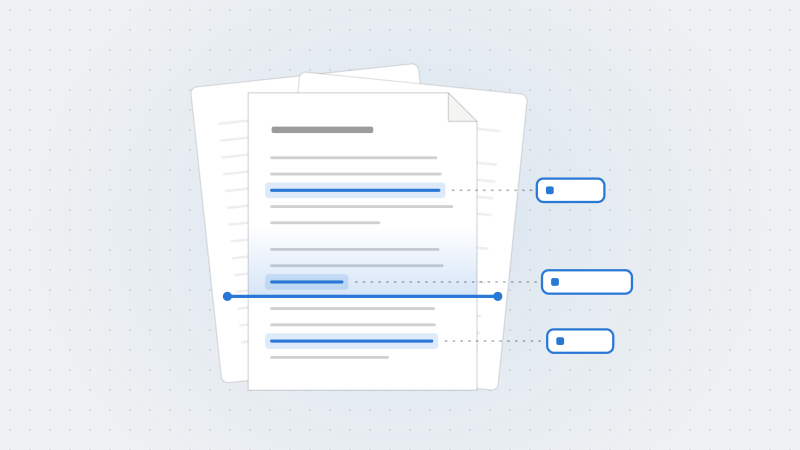
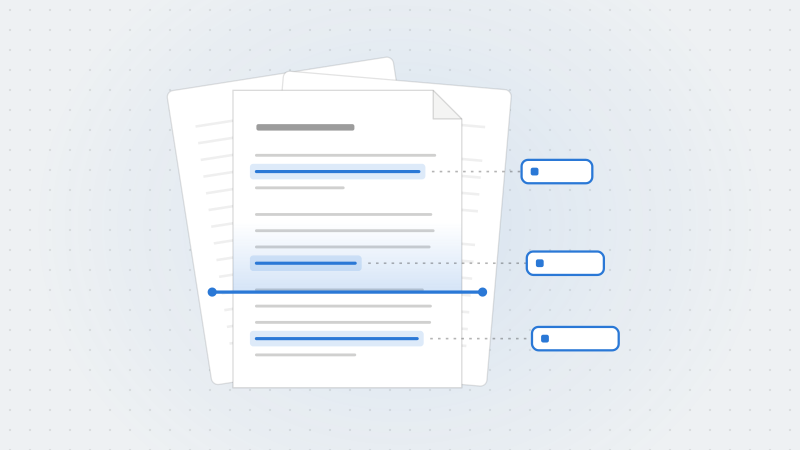
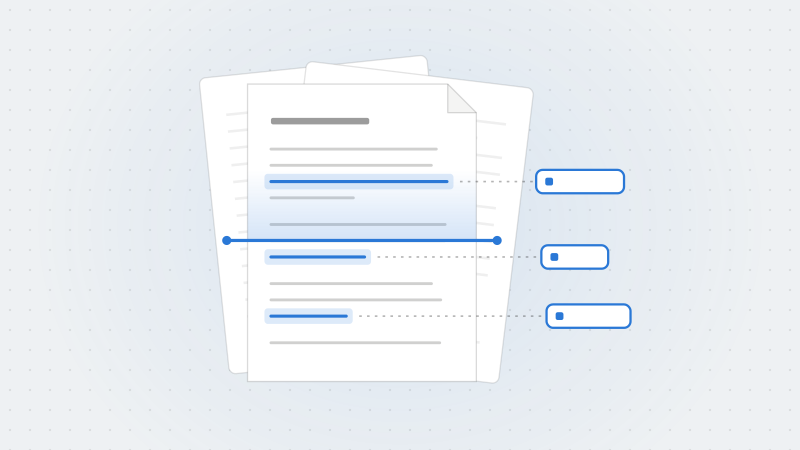
Document extraction reads the documents, forms, and images that an organization receives, sorts each one to its case, and turns it into structured fields for the business system that acts on it. Models read each document into fields, and ordinary software checks the fields against business rules and the organization's reference records. A reviewer compares the fields with the source before they reach the business system, or sees only the doubtful ones, and the corrections measure and improve the models.
- Document intake
- Document extraction platform
- Preparation
- Text recognition (documented in this case study)
- Extraction model
- Validation rules
- Reference records
- Workflow engine
- Review workbench
- Answer explanation
- Connectors
- Business system
- Corrections log
- Accuracy monitoring
A check mark shows a building block that this case study's sources document.
Open the reference architectureOthers who built it
- Condé Nast: Condé Nast speeds rights contract analysis with Claude. Contract analysis that took weeks now takes hours, and rights clearance is almost instantaneous.
- Cargolux Airlines International: Cargolux drafts cargo quotes from customer emails with AI. Cargolux's AI has drafted thousands of quotes from emails in eight markets, at a 93% trust level.
- Air France KLM Martinair Cargo: Air France KLM Martinair Cargo uses AI to book and quote. Customers now paste shipment emails into myCargo, and AI fills in the booking fields.
- Pennsylvania Department of Human Services: Pennsylvania's AI check cuts illegible benefit documents. Illegible uploads fell 80% in the pilot, saving 700 staff hours.
- Liberty Global: How Liberty Global matches supplier invoices with GenAI. Liberty Global's shared services cut invoice costs 70% and resolve exceptions 95% faster.
- Parte: Parte embeds AI in property managers' email in 27 offices. Parte's AI for property managers' emails and requests is now live in all 27 of its offices.
Cite this case study
Enterprise AI Case Studies. "Royal Library of Belgium reads title pages with AI." Updated Nov 25, 2026. https://case-studies.ai/case-studies/document-intelligence/DI-057-title-page-cataloging-kbr/
@misc{csai-di-057,
  author = {{Enterprise AI Case Studies}},
  title = {{Royal Library of Belgium reads title pages with AI}},
  year = {2026},
  note = {Updated 2026-11-25},
  url = {https://case-studies.ai/case-studies/document-intelligence/DI-057-title-page-cataloging-kbr/}
}Sources
The following reporting, and every passage quoted from it, belongs to its publisher, not to this site. Sources and ownership
- Source 1:
Artificial intelligence speeds up book cataloguing at the Royal Library of Belgium
Supporting excerpts (19)
KBR collects all Belgian publications and preserves, manages and studies a rich cultural and historical heritage of more than eight million documents.
Published : 02/03/2026
The Bibliographic Information Agency is the body responsible for the creation of descriptions of each work that enters KBR through different sources.
They wanted to accelerate the process of describing and digitizing the heritage by completing the online catalogue, thus increasing the number of descriptions included in it.
To achieve this, they were looking for a user-friendly application that would largely automate and speed up this large-scale task.
KBR had recently switched to Microsoft 365, with Teams, Exchange and SharePoint. An important condition for the application was that it fit in seamlessly with the existing infrastructure. We chose a Power App, part of the Microsoft Power Platform.
The app can also be added in Teams so employees can stay in their familiar working environment.
An additional benefit is the accessible AI functionality the Power Platform offers. We initially trained this component with around 30 photos of the title pages. Of course, the model will learn even more over time.
The application was therefore set up to read out title pages and place data such as title and author in the correct input fields with as little effort as possible.
This ensured that the app would be up and running very quickly, and we built it in just 10 days.
This application taught me that Artificial Intelligence helps to speed up procedures. It's also not as expensive as you might think, because the application is fully integrated into our existing Microsoft infrastructure.
Another great advantage of such a Power App is that everything can be customized to fit our needs seamlessly.
Hannes Lowagie, Head of the KBR Bibliographic Information Agency
We were in daily contact with the developers, so that we could make adjustments quickly.
After the data is made available, human validation still follows to ensure that the automatically generated data is correct.
Thanks to the photos taken in advance, this validation can now be done from home, which is a nice move towards hybrid working for KBR employees.
The library not only preserves books, but also very different types of documents such as maps, prints and scores. Consequently, the app will also be extended to other types of documents.
To do so, the model must be further trained so that other elements, such as the data on death certificates, can also be recognized.
KBR also wants to show the app to other partner organizations, to inspire them to take similar measures.
Comments
Start the conversation.
Invited members of the library comment here. Sign in to join the conversation.